The filter library is your home base. Open Apps → Advanced Filters to see every advanced filter you manage, plus every one built on a Jira filter you may use. It’s where you find things, copy things, and tidy up.
Reading a row #
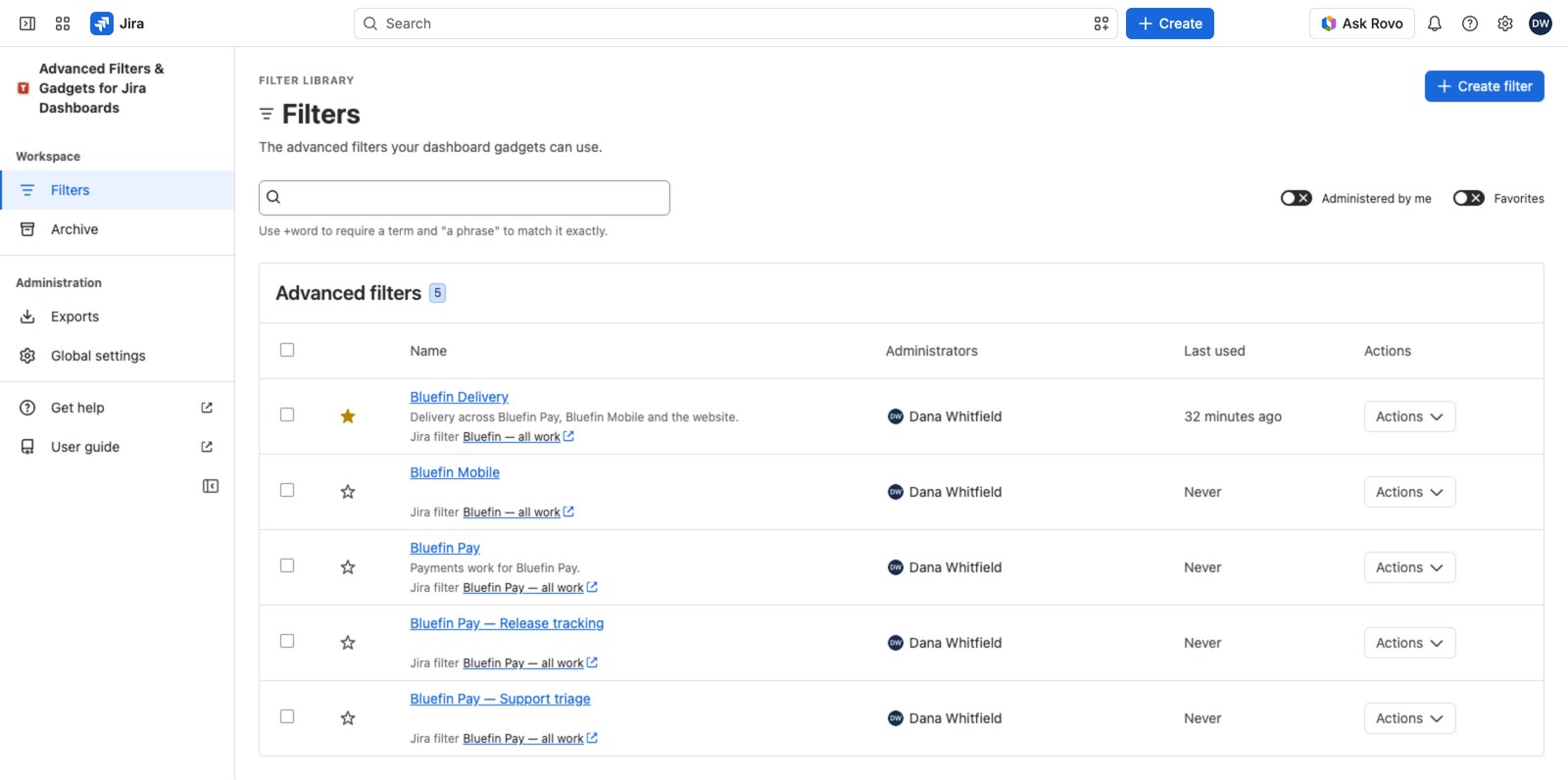
Each row tells you three things at a glance: the name, the description, and the Jira filter it’s built on. Next to that you’ll find who administers it and when it was last used. That’s useful when you’re trying to work out whether anyone still needs a filter.
If the Jira filter line says Source access needed, that filter’s owner hasn’t shared it with you. Source details unavailable is different: that’s a hiccup on the way to Jira, and there’s a retry link right there. See The Jira filter behind an advanced filter.
Finding things fast #
Search runs over the whole library, not just the rows currently on screen. You don’t have to select Load more first. It matches names and descriptions, ignoring case.
+ in front of a word to make it required (+payments release). Wrap words in quotes to match them as a phrase ("customer escalation"). Up to ten terms.Two toggles narrow things further: Administered by me and Favorites. And the star on each row bookmarks it just for you. Anyone can star anything they can see.
What you can do to a row #
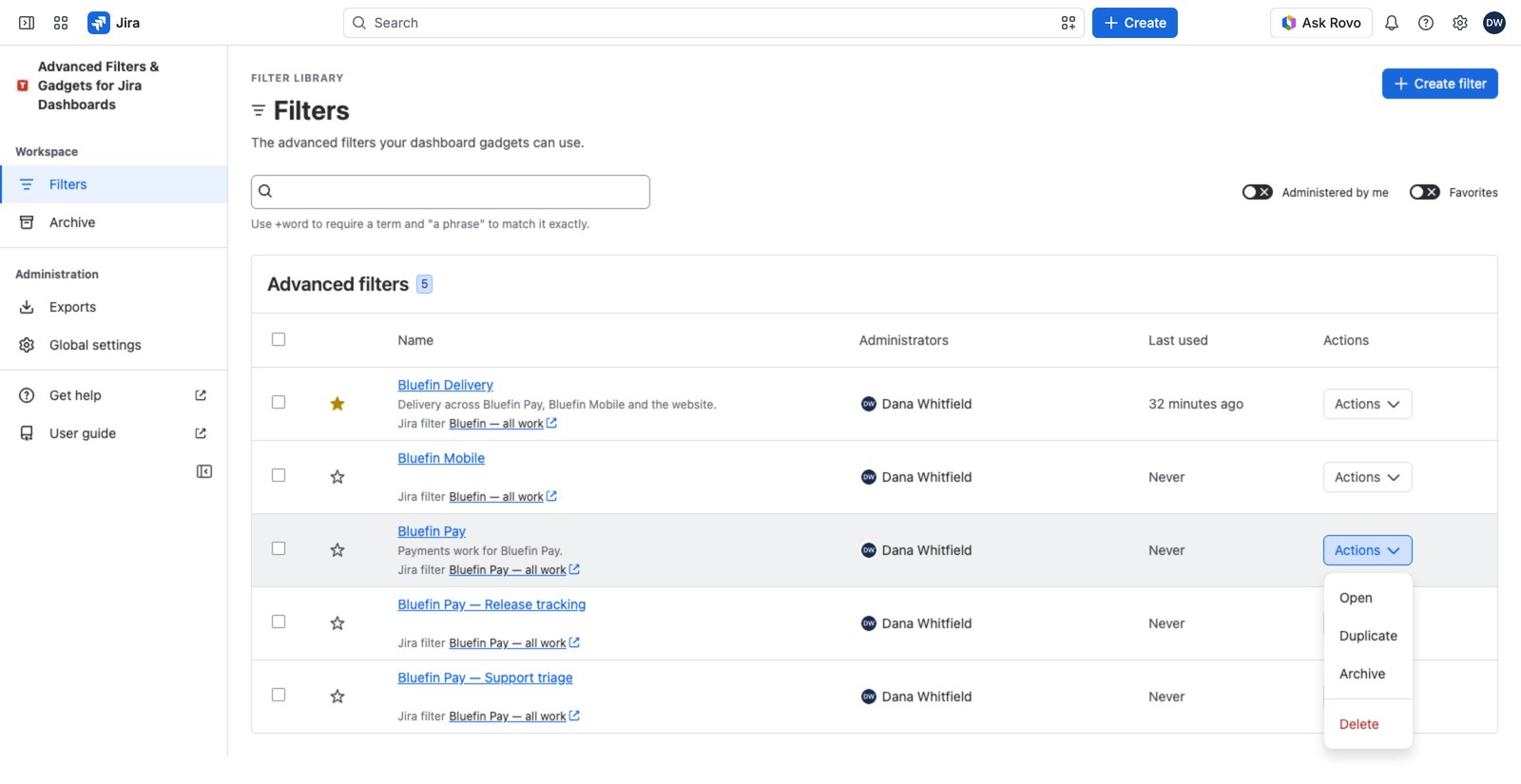
Everything else lives under the Actions button.
| Action | What it does | Who can |
|---|---|---|
| Open | Go to the filter’s configuration | Anyone who can see the row |
| Duplicate | Copy it as a starting point for a new one | Anyone who can create filters (everyone, by default) |
| Archive / Reactivate | Tuck it out of the main list, or bring it back | Its administrators, a Jira admin, or anyone granted Manage all advanced filters |
| Delete | Remove it permanently | Its administrators, a Jira admin, or anyone granted Manage all advanced filters |
Duplicate is the shortcut worth remembering. You don’t need to administer a filter to copy it. So if a colleague has built the reporting you want, copy theirs and adjust, rather than starting from scratch.
Archiving vs. deleting #
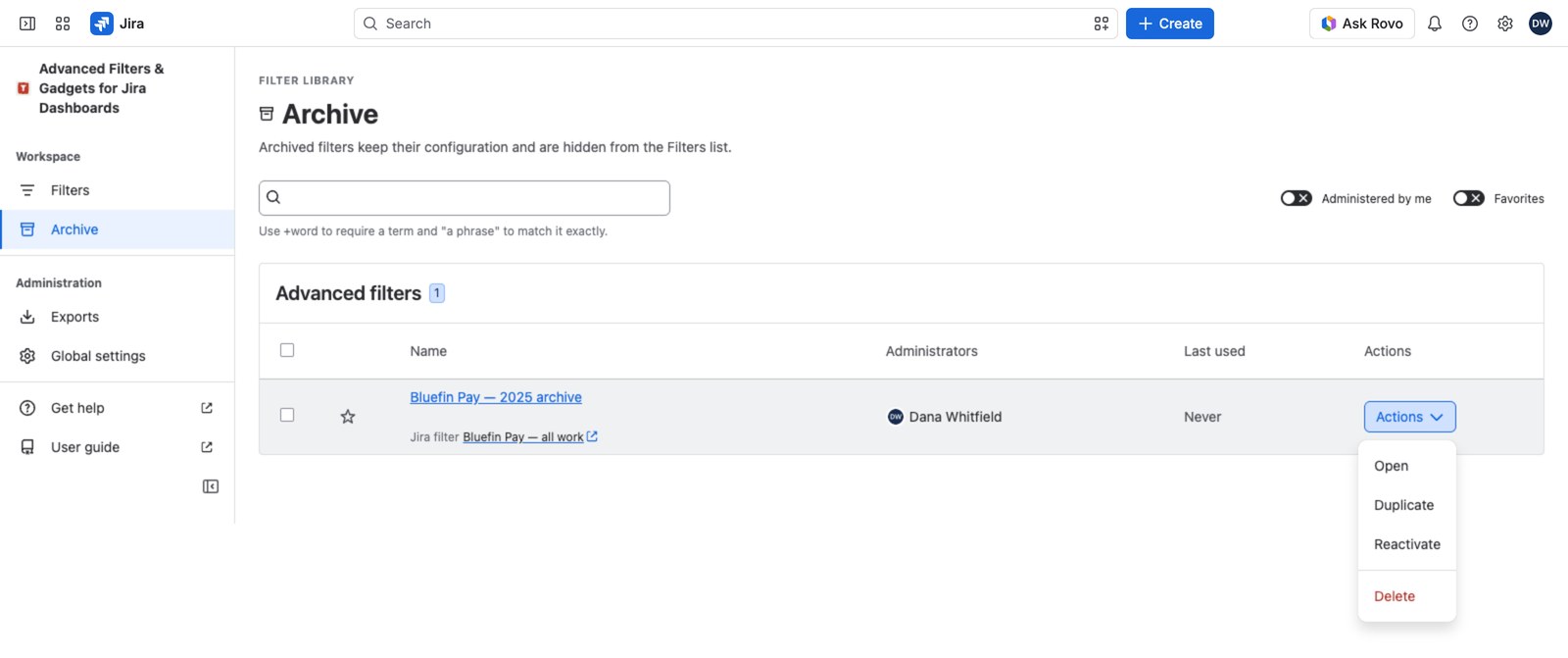
Archive is the safe one. It moves a filter out of the main list and nothing else: dashboards using it keep working, it stays editable, and Reactivate brings it back. Opening a dashboard that uses it brings it back too.
Filters archive themselves after 180 days with no edits and no gadget use, so the Archive page is worth a look now and then. Bear in mind that cuts both ways: something in the Archive isn’t necessarily unused, and an empty Archive doesn’t mean nothing was ever tidied away.
Who sees what #
A filter shows up in your library if you administer it, or if Jira lets you use the Jira filter underneath. That’s Jira’s decision and the app never overrides it. See Sharing the Jira filter your viewers need if someone can’t see what you can. A Jira admin, or anyone granted Manage all advanced filters, sees every filter.


