You’ve built a smart rule that sorts work items into named answers, say On track / At risk / Stalled. Smart Counters puts one colored number per answer on the dashboard, so the whole breakdown reads in a single glance.
Add it to a dashboard #
- Open the dashboard, select Edit, then Add gadget, and search for Advanced Filter Smart Counters.
- Choose the Advanced filter.
- Choose the Smart rule: its clauses become your counters, in the order the rule defines them.
- Choose the Value every counter reports. (Every clause is measured the same way: work item count, story points, whatever you like.)
- Leave Add a None counter on to catch work items that match no clause. Worth doing: it’s how you spot work that’s fallen through the gaps.
- Select Save.
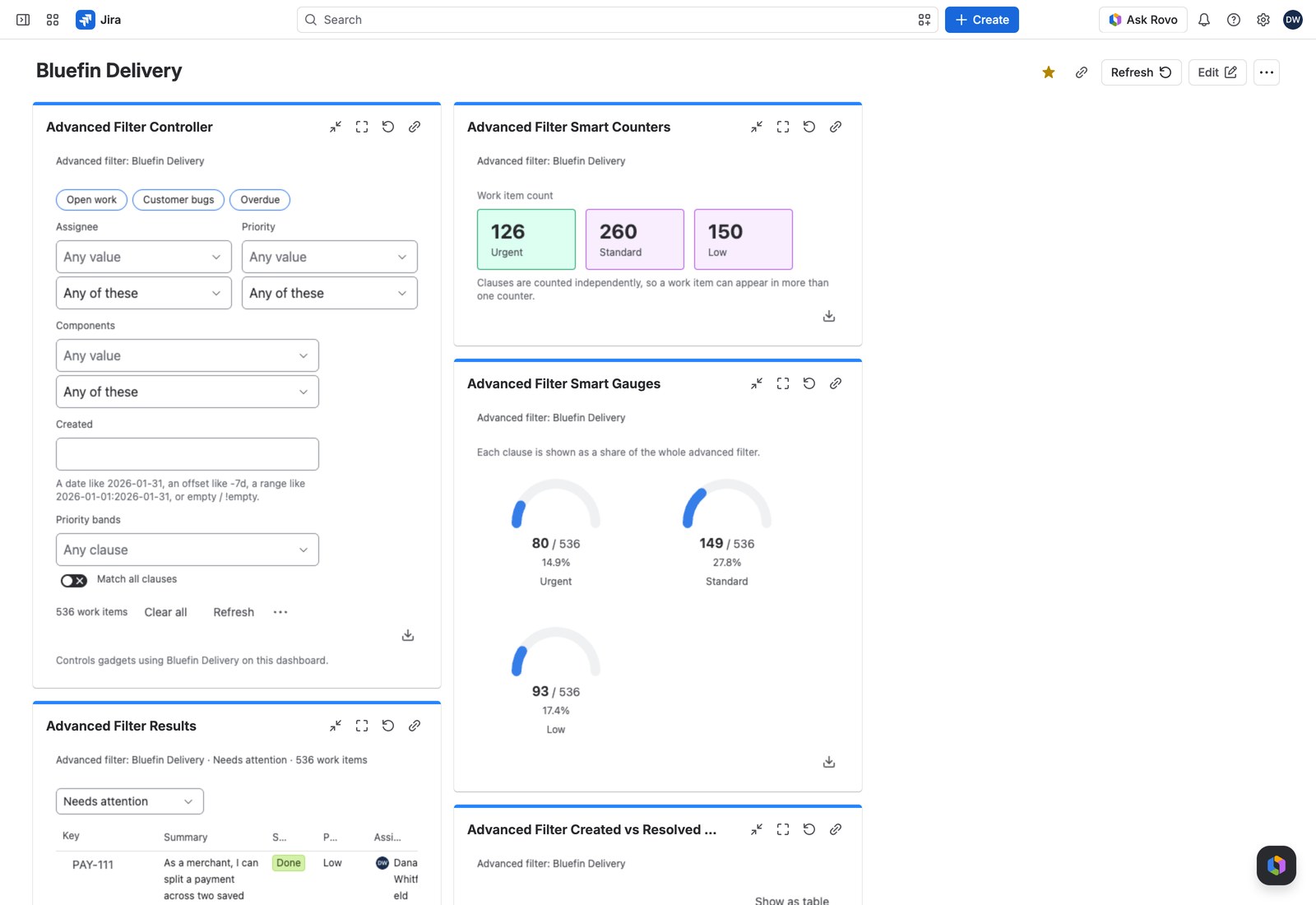
What your viewers see #
A tile per clause, tinted with that clause’s color and named after it. The number is clickable: select it and the work items behind it open, so the dashboard is a way into the work rather than just a picture of it. Each figure is written the way its value is defined: its Decimal places and suffix, or a custom ratio’s own display and precision.
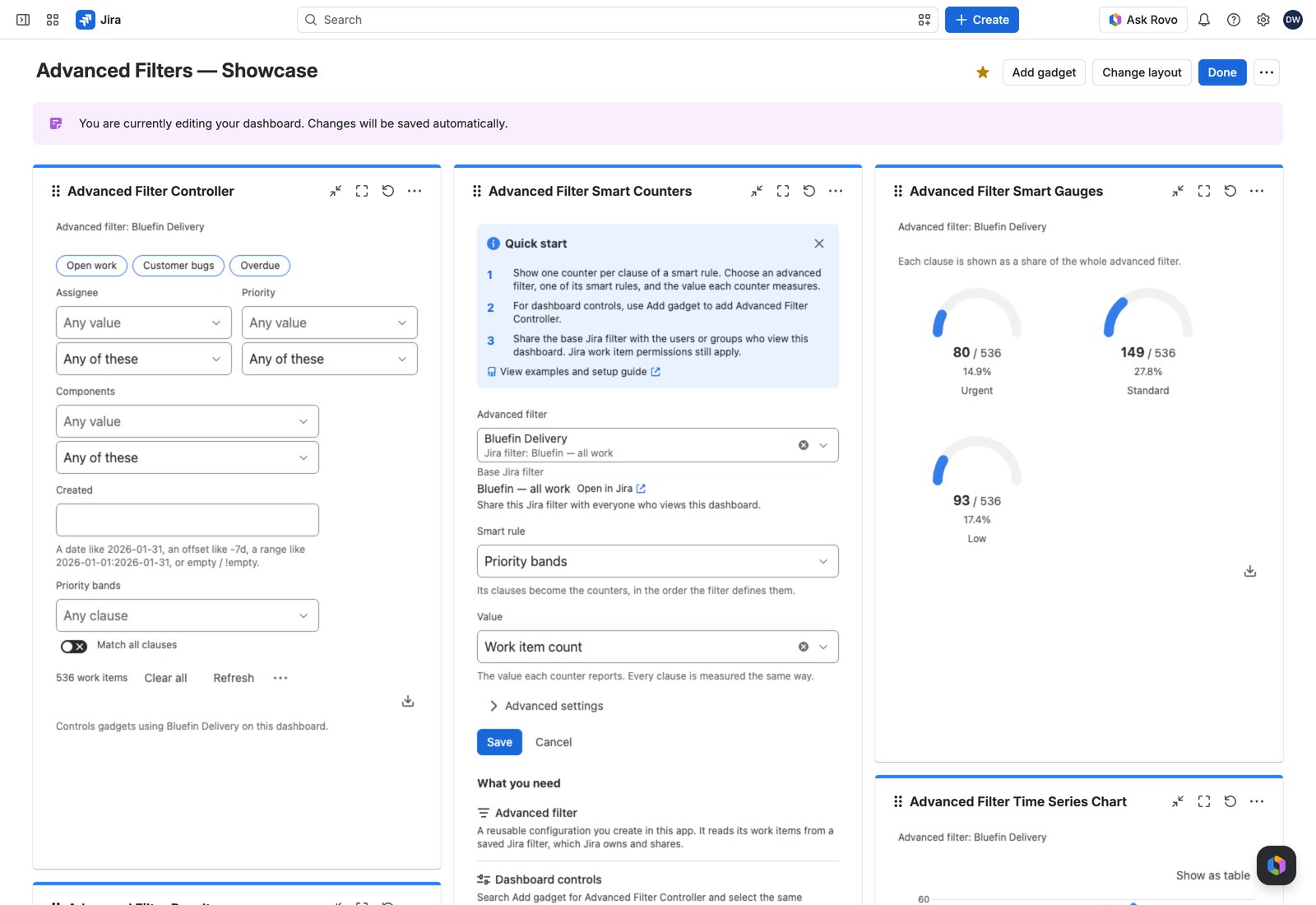
With the Controller #
Add an Advanced Filter Controller and every counter recalculates together when a viewer filters. The previous numbers stay on screen, dimmed, while the new ones arrive.
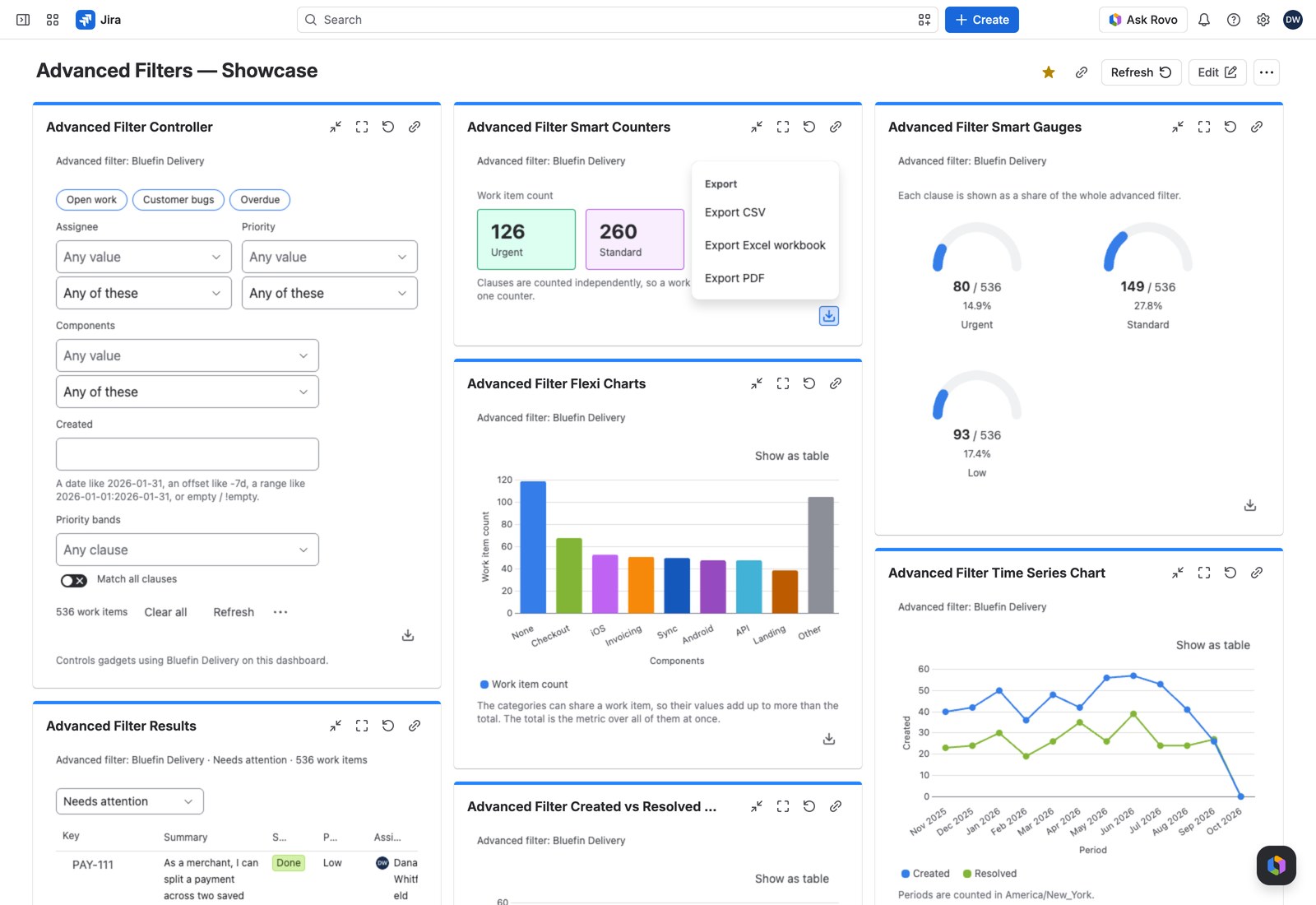
Exporting #
Export gives you CSV, Excel or PDF, one row per clause, plus None if you enabled it. The PDF shows each figure as its tile does; CSV and Excel keep the full value, and Excel’s number format shows it to the value’s own decimals.
If something looks off #
- “This smart rule has no clauses”: add at least one clause to the rule on the filter’s configuration page.
- “This smart rule is not available any more”: the rule was removed from the filter, so edit the gadget and pick another.
- “1 value could not be read, so it matches no work items.”: a value from a link or a preset can’t be read, so the counters measure no work items, rather than the wrong ones, until you select Remove what cannot be applied on the Controller, or here when no Controller uses this filter.


