Global settings is the Jira administrator’s view of Advanced Filters & Gadgets across the whole installation: who’s allowed to do what, tidying up in bulk, seeing where filters are actually used, and backing everything up.
Getting there #
Either route lands in the same place:
- Jira Settings → Apps → Advanced Filters
- Global settings, under Administration in the app’s own left rail
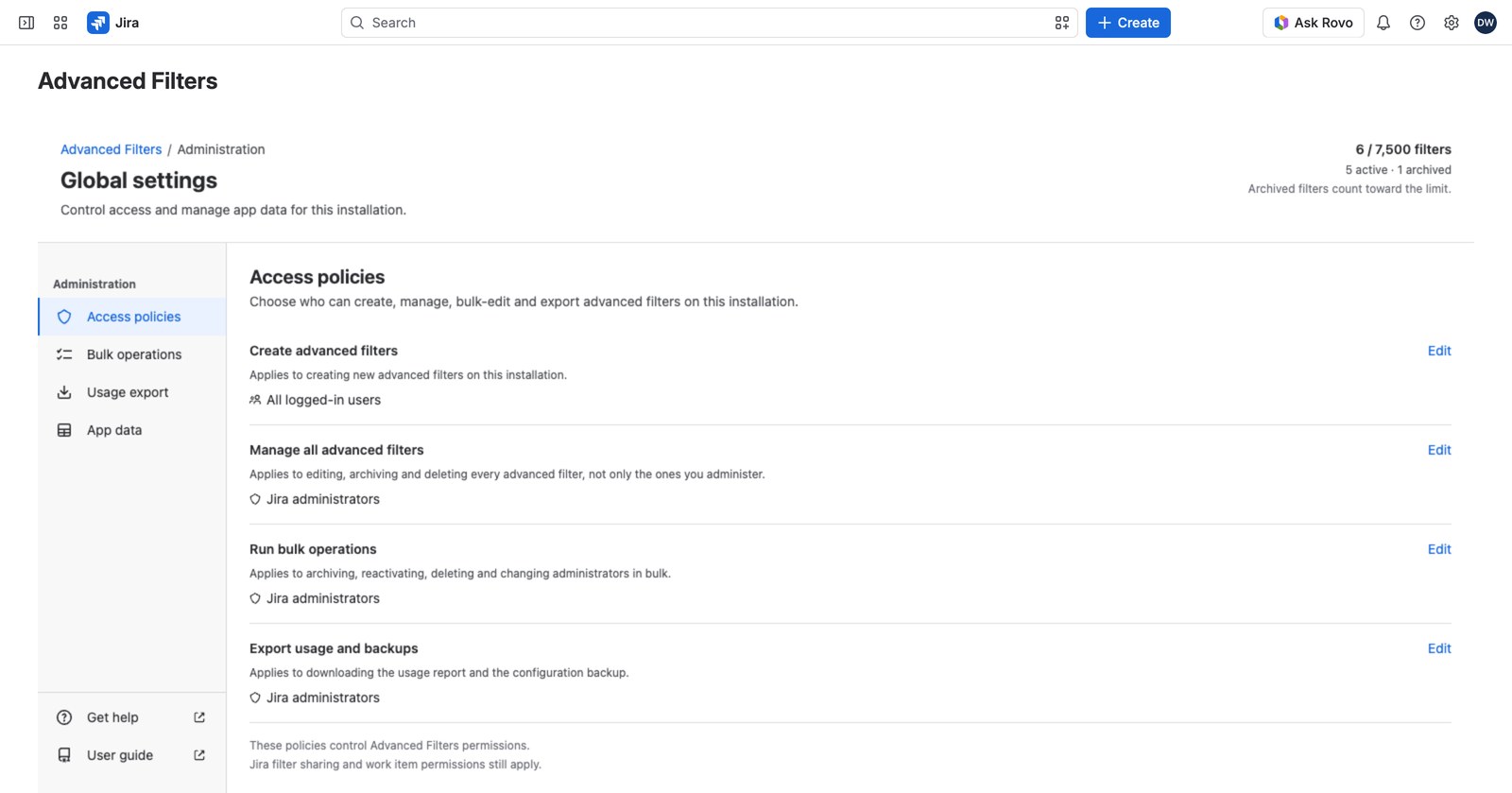
The four panels #
| Panel | What it’s for |
|---|---|
| Access policies | Who can create, manage, bulk-edit and export advanced filters (see Access policies) |
| Bulk operations | Archive, reactivate, delete or reassign several filters at once (see Bulk operations) |
| Usage export | A CSV of where advanced filters are actually being used (see Usage export) |
| App data | Back up, restore, or permanently delete everything the app stores (see Back up, restore and delete app data) |
Keeping an eye on capacity #
Beside the title you’ll see how full the installation is: N / 7,500 filters, split into active and archived. If the count can’t be read, the line says “Filters: unavailable” rather than a zero, and a notice at the top of the open panel says why, with Try again.
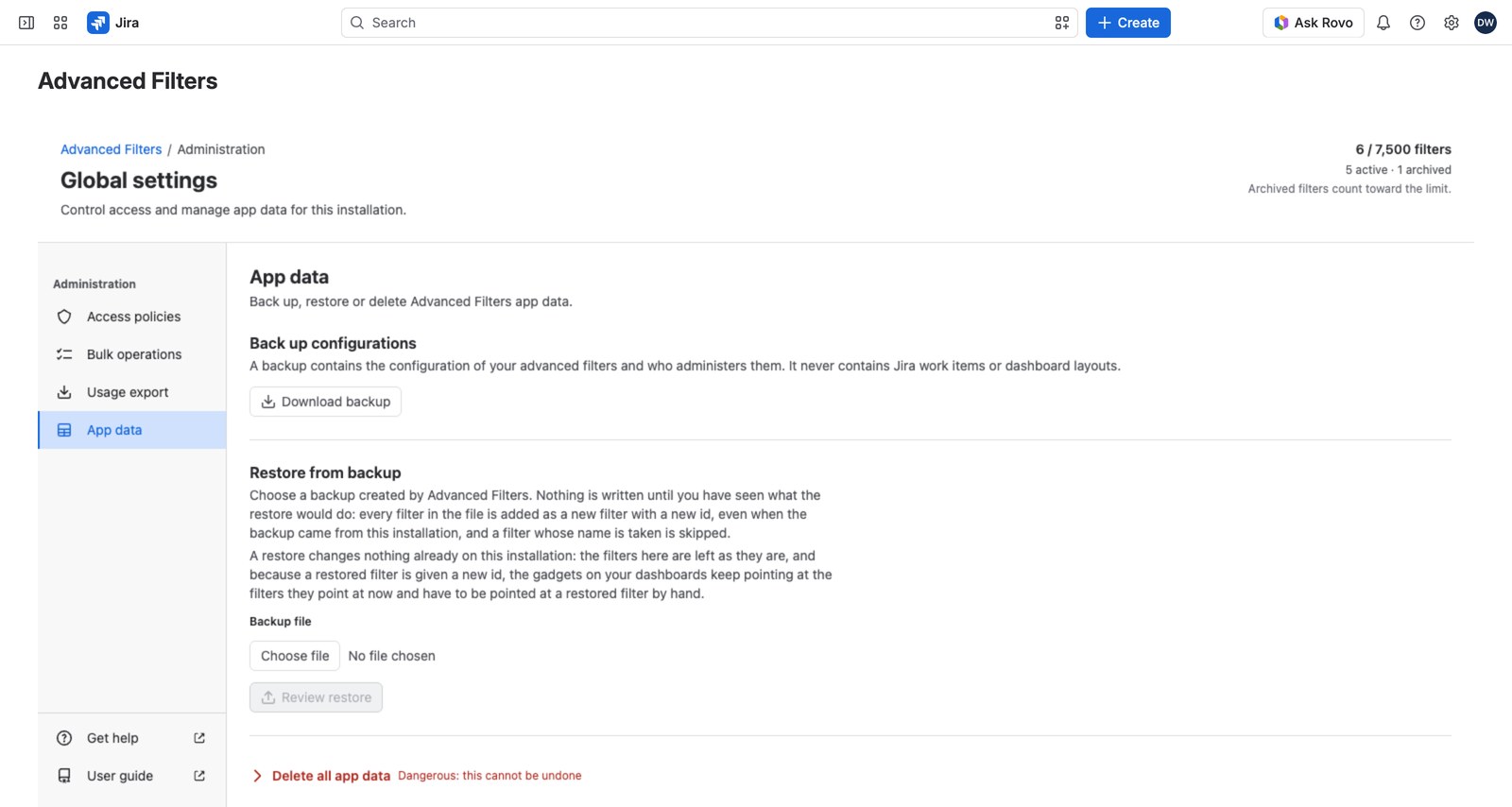
Who can open it #
Global settings is for Jira site and organization administrators. An advanced filter’s own administrators can’t reach it. That list governs one filter, not the installation.
People you’ve delegated an export grant to get a narrower Exports page instead, with just what they need. See Access policies.


