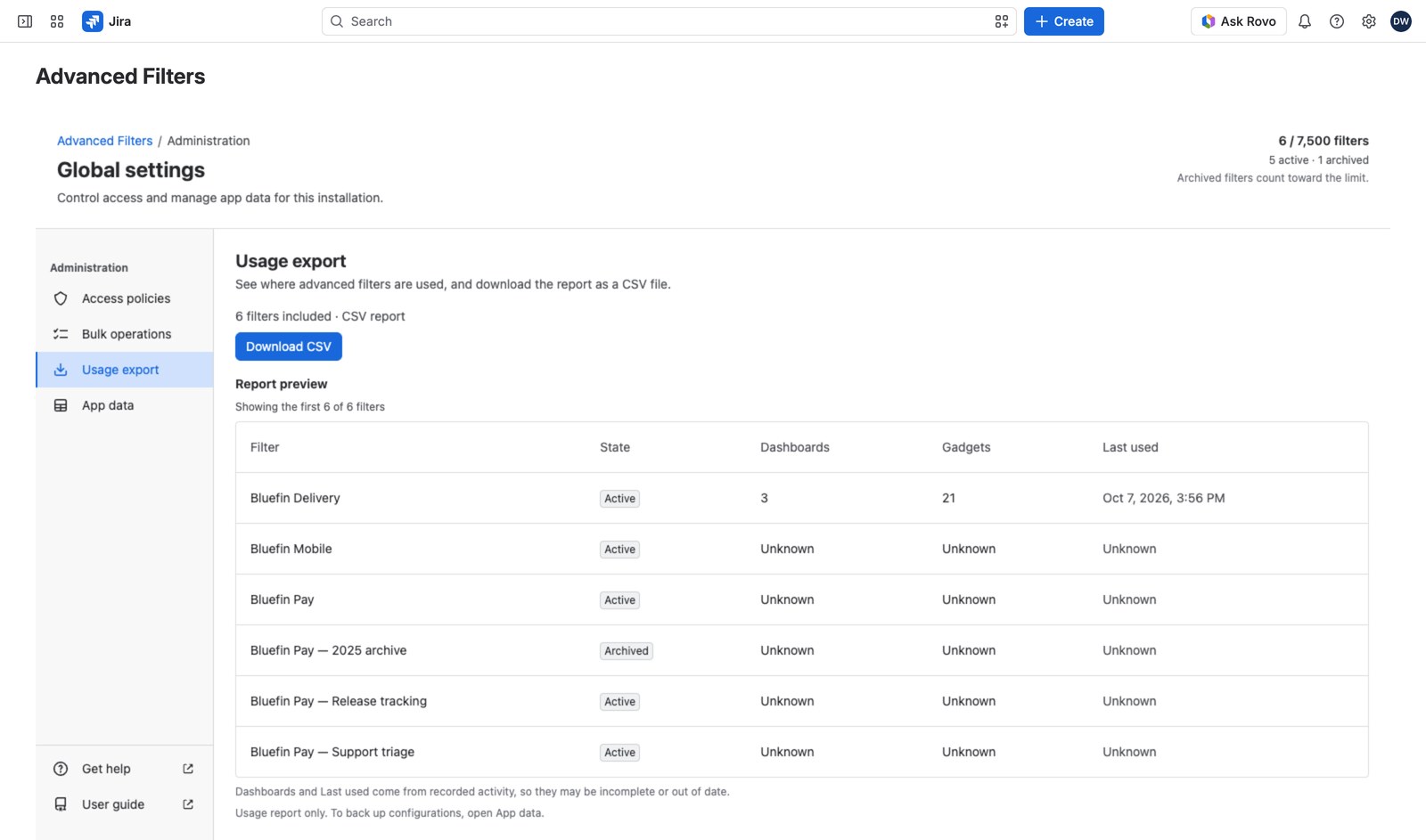
The usage export answers the question every admin eventually asks: “which of these 200 filters is anyone actually using?” It’s a CSV of every advanced filter on the installation, where it appears, and when it was last touched.
Open Global settings → Usage export. A preview shows the first ten rows; Download CSV gives you the lot.
What’s in the file #
One row per filter and dashboard it appears on:
| Columns | What they tell you |
|---|---|
| Filter id, Filter name, State | Which filter, and whether it’s active or archived |
| Jira filter id | The saved search underneath |
| Administrators | How many administrators the filter has, users and groups alike (a count, not their names) |
| Created, Updated, Last used | How stale it is |
| Dashboard id, Gadgets on dashboard, Dashboard last seen | Where it’s actually in use |
A filter nothing uses still gets a row, with the dashboard columns blank: nothing is silently left out.
Working with it #
Open it in any spreadsheet. Sort by State to separate active from archived, or by Last used to surface the stale ones. Then archive in bulk (see Bulk operations).
The file is UTF-8 with a byte-order mark so Excel opens non-Latin filter names correctly, every text cell is quoted and guarded against being read as a formula, and it’s named with the date and time it was produced: advanced-filters-usage-2026-09-15-1430.csv.
A large installation takes a few seconds to collect, and says so while it works.
What it isn’t #
- Not a configuration backup. It counts a filter’s administrators without naming them, and carries none of its quick filters, smart rules, views or metrics. For those, use Back up, restore and delete app data.
- No Jira work item data. It reports on the filters themselves, never on what they’d show.
Who can run it #
Export usage and backups, held directly or as a Jira administrator. This grant is delegable: someone who holds it without being an admin gets the report through the app’s Exports page, limited to the filters they administer unless they also hold Manage all advanced filters. See Access policies.


