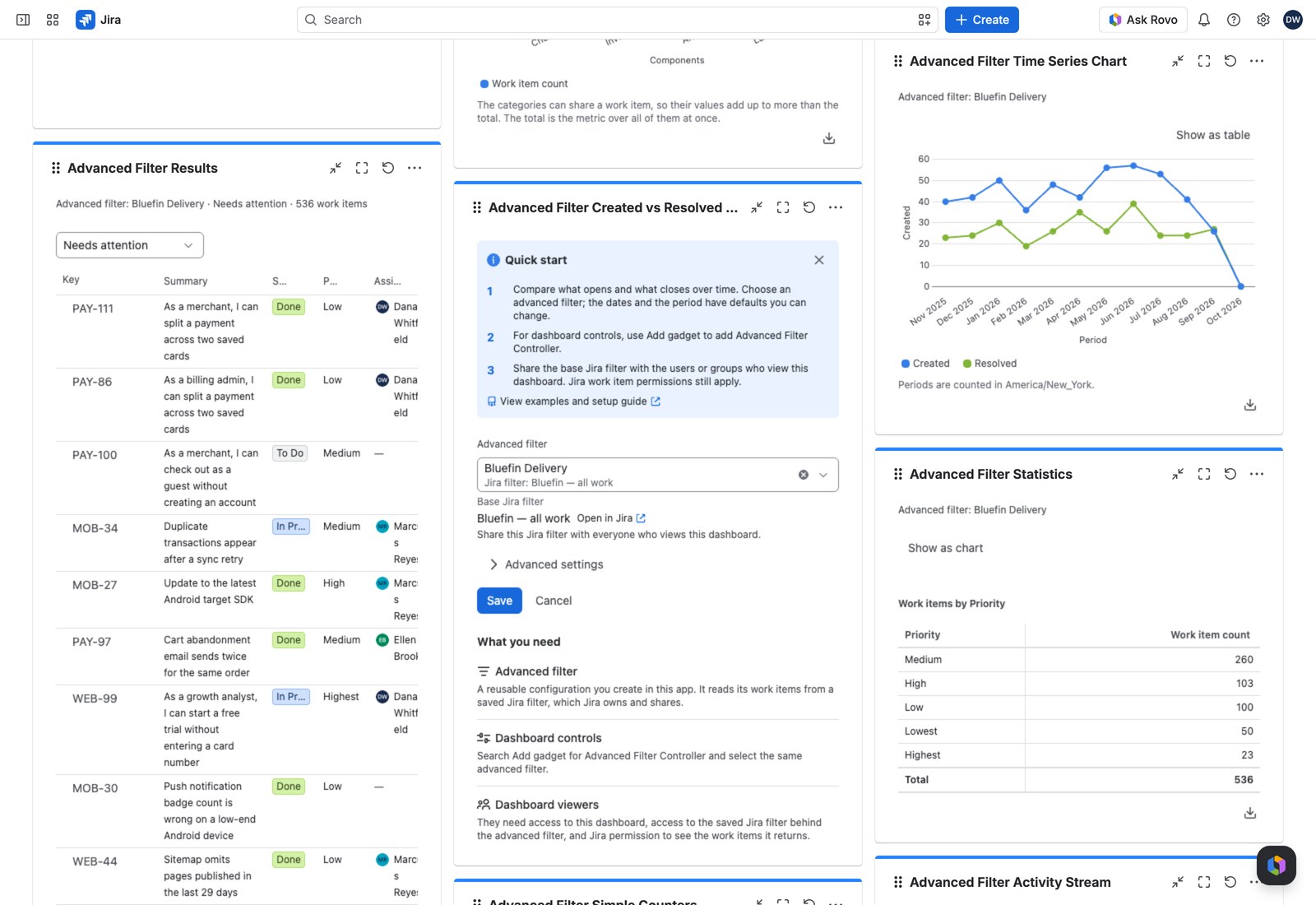
The classic backlog-health chart: what’s coming in against what’s going out, period by period. If the created bars keep outrunning the resolved ones, you have your answer.
It isn’t limited to created and resolved. Point it at any pair of dates and it becomes a flow chart for whatever process you’re measuring: submitted vs. approved, reported vs. triaged.
Add it to a dashboard #
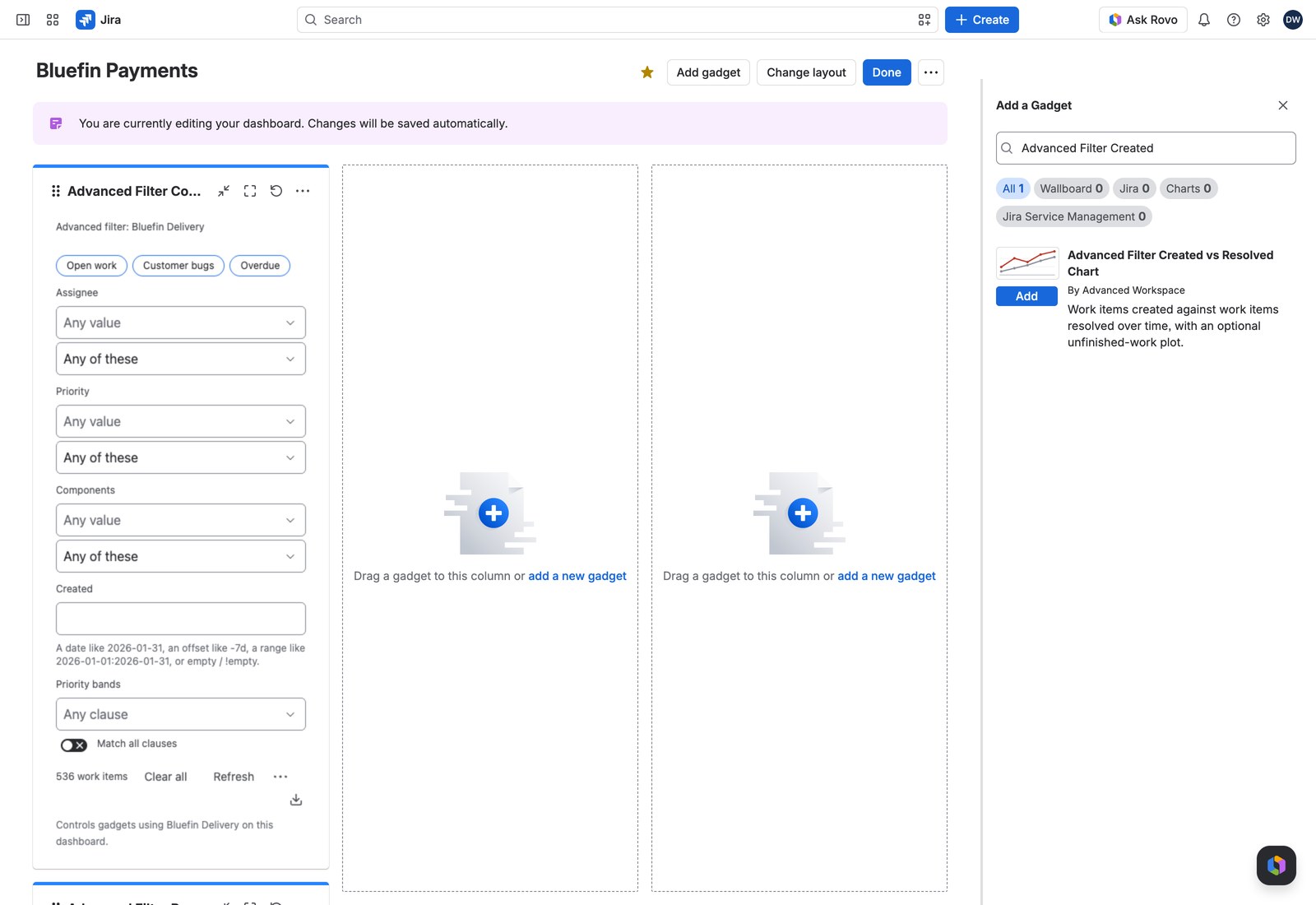
- Open the dashboard, select Edit, then Add gadget, and search for Advanced Filter Created vs Resolved Chart.
- Choose an Advanced filter first. Everything else builds on it.
- Open Advanced settings for the rest, then select Save.
Configuring it #
| Setting | What it does |
|---|---|
| Dates | Created and resolved, or Any pair of dates (which reveals Start date and Finish date and relabels the whole chart to match) |
| Value | What each series measures: work item count, a numeric or time-tracking field, or one of your custom values or ratios (Custom values, ratios and time series) |
| Period | Auto, Days, Weeks, Months, Quarters or Years. Auto is a good default: it picks the finest bucket the range fits and tells you which it chose |
| Range | All dates, the last or next N periods, calendar units, or between two dates, plus Include the period in progress |
| Aggregation | Per period, cumulative over the range, or cumulative from the start |
| Chart type | Bars or Lines |
| Show the difference | A third series: start minus finish per period. The quickest read on whether you’re gaining or losing ground. |
| Show unfinished work | A second plot of what’s started and not finished at each period’s end: your backlog trend |
| Show periods with nothing in them | Off hides empty buckets. The range total is unchanged either way |
| Working query | Optional JQL narrowing this gadget only |
Reading it #
Bars or lines, with a legend underneath that doubles as a series switch: hide a series and it drops out of the chart and the table together.
Select any bar, point or table cell to open the work items behind it in Jira’s own search (up to 200 at a time, with a note if there were more).
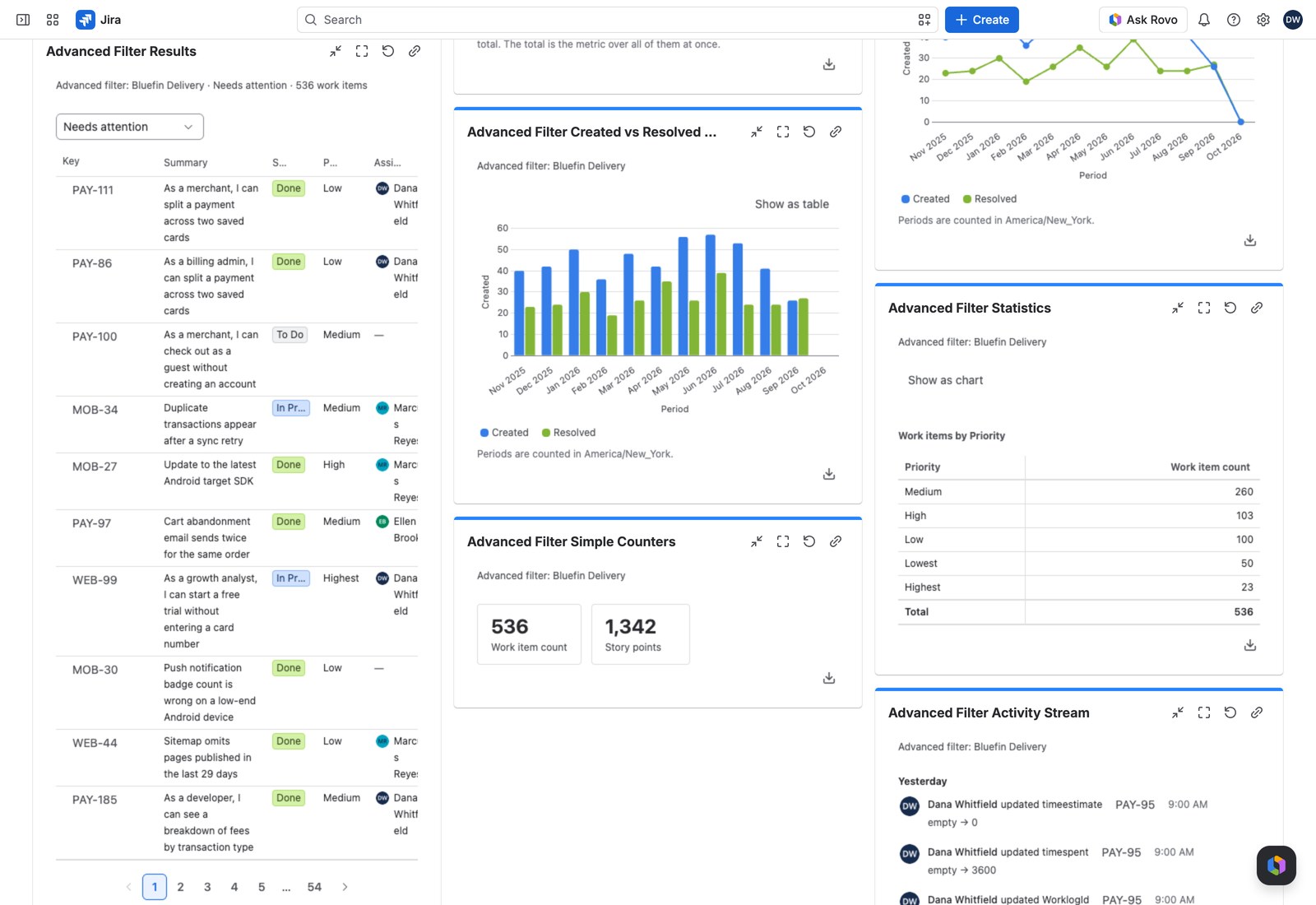
Show as table beside the title swaps the chart for the same numbers as a table, with a range total at the foot.
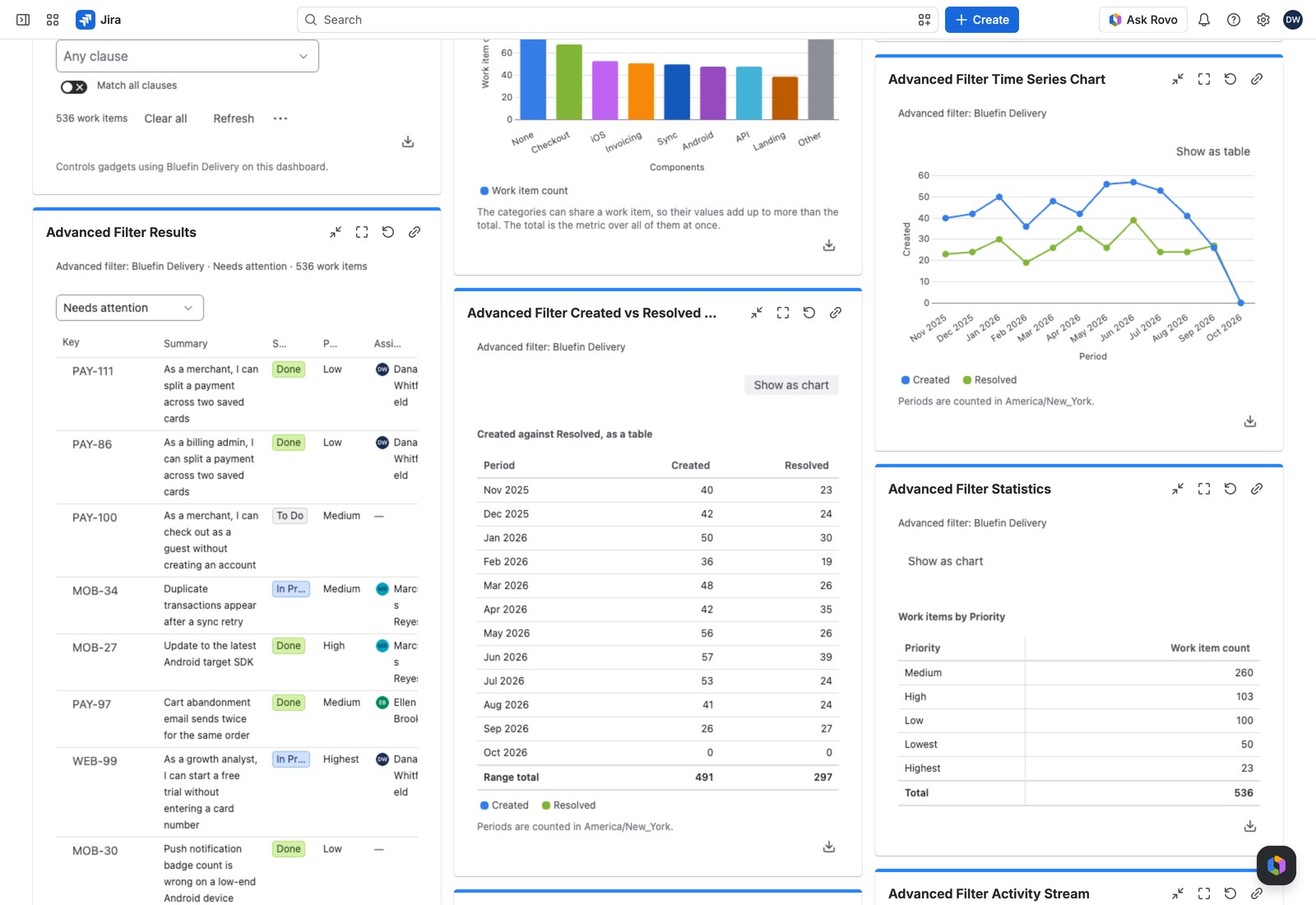
The note under the chart names the reporting timezone the periods are counted in, and how many empty periods were hidden.
With the Controller #
An Advanced Filter Controller on the same filter narrows what the chart measures.
Exporting #
CSV, Excel or PDF. The PDF carries the chart image as well as the numbers.
If something looks off #
- “This chart cannot be drawn”: one of the dates or the value can’t be measured over time any more, so reconfigure the gadget.
- “Nothing to chart”: no work item contributed to either series.
- “This advanced filter is unavailable”: it was deleted, or is no longer shared with you, so a dashboard editor needs to pick another.
- “1 value could not be read, so it matches no work items.”: the value is never applied in part, so both series count nothing until you select Remove what cannot be applied in the Controller’s warning, or in this one when no Controller shares the filter.


