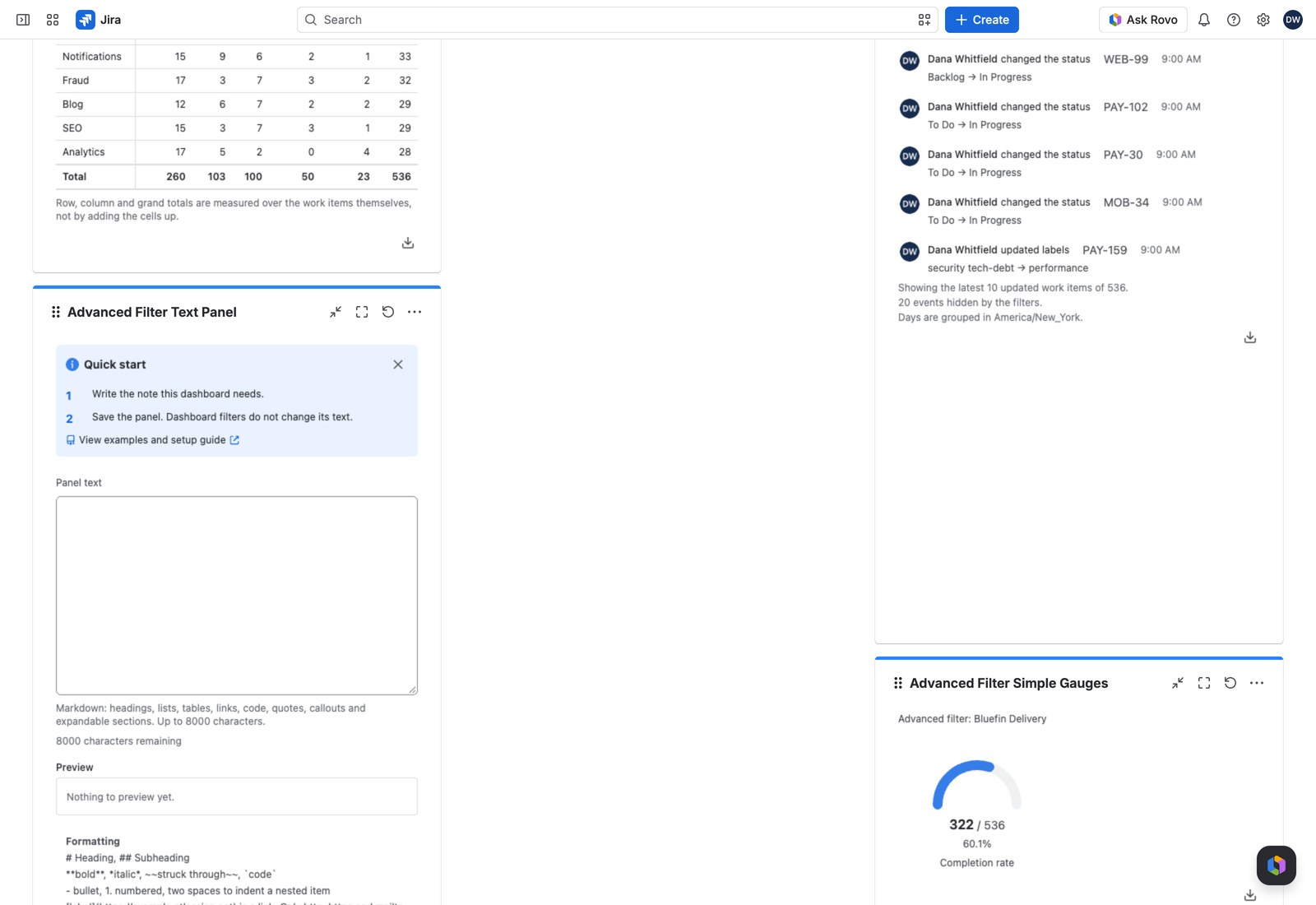
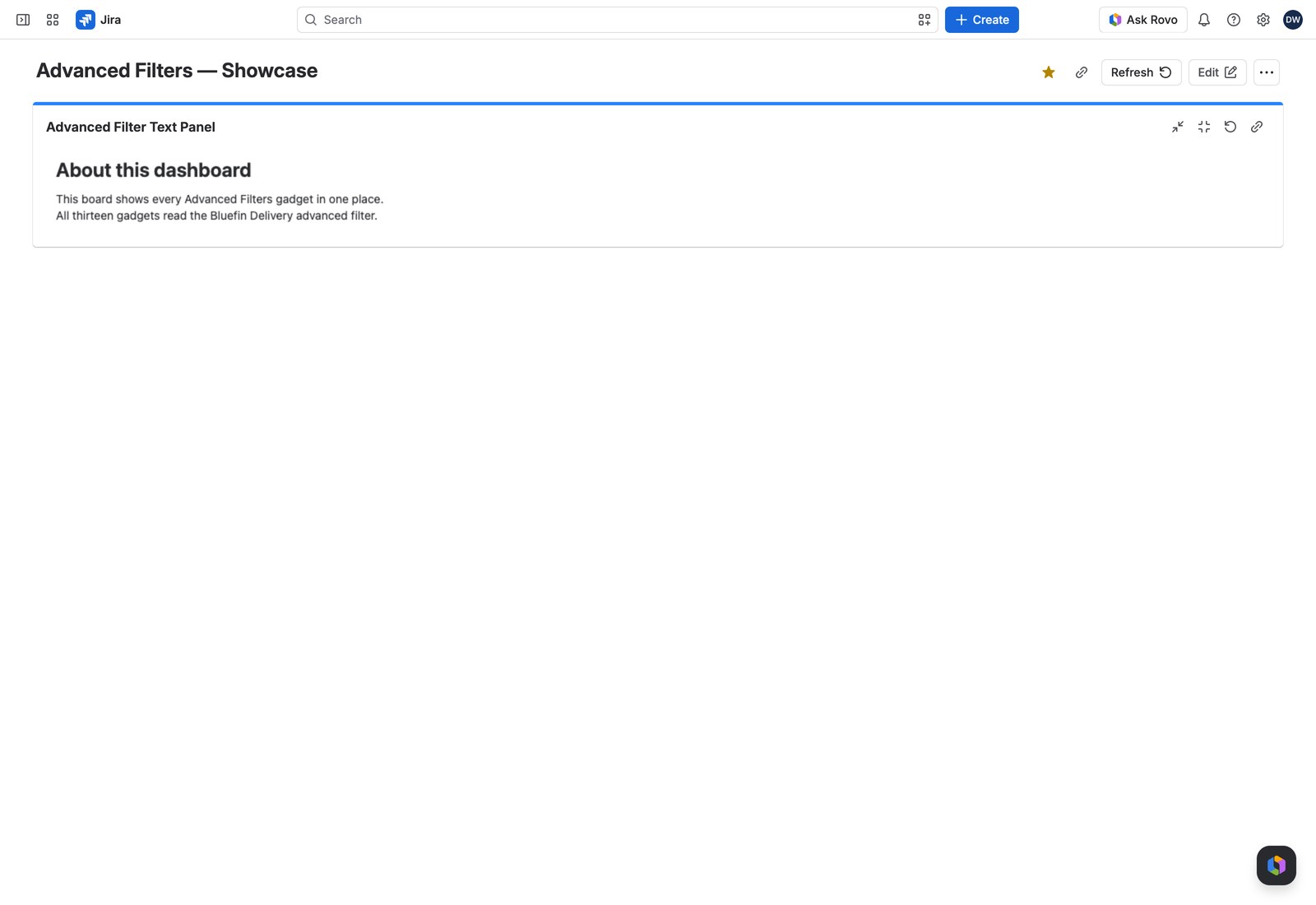
Every good dashboard needs a bit of prose: what this page is for, who owns it, what “at risk” actually means here, a link to the runbook. The Text Panel is that: a note you write in Markdown, sitting alongside your charts.
It reports on nothing and holds no filter, so nothing anyone does elsewhere on the dashboard changes what it says. That’s the point: it’s the one fixed thing on the page.
Add it to a dashboard #
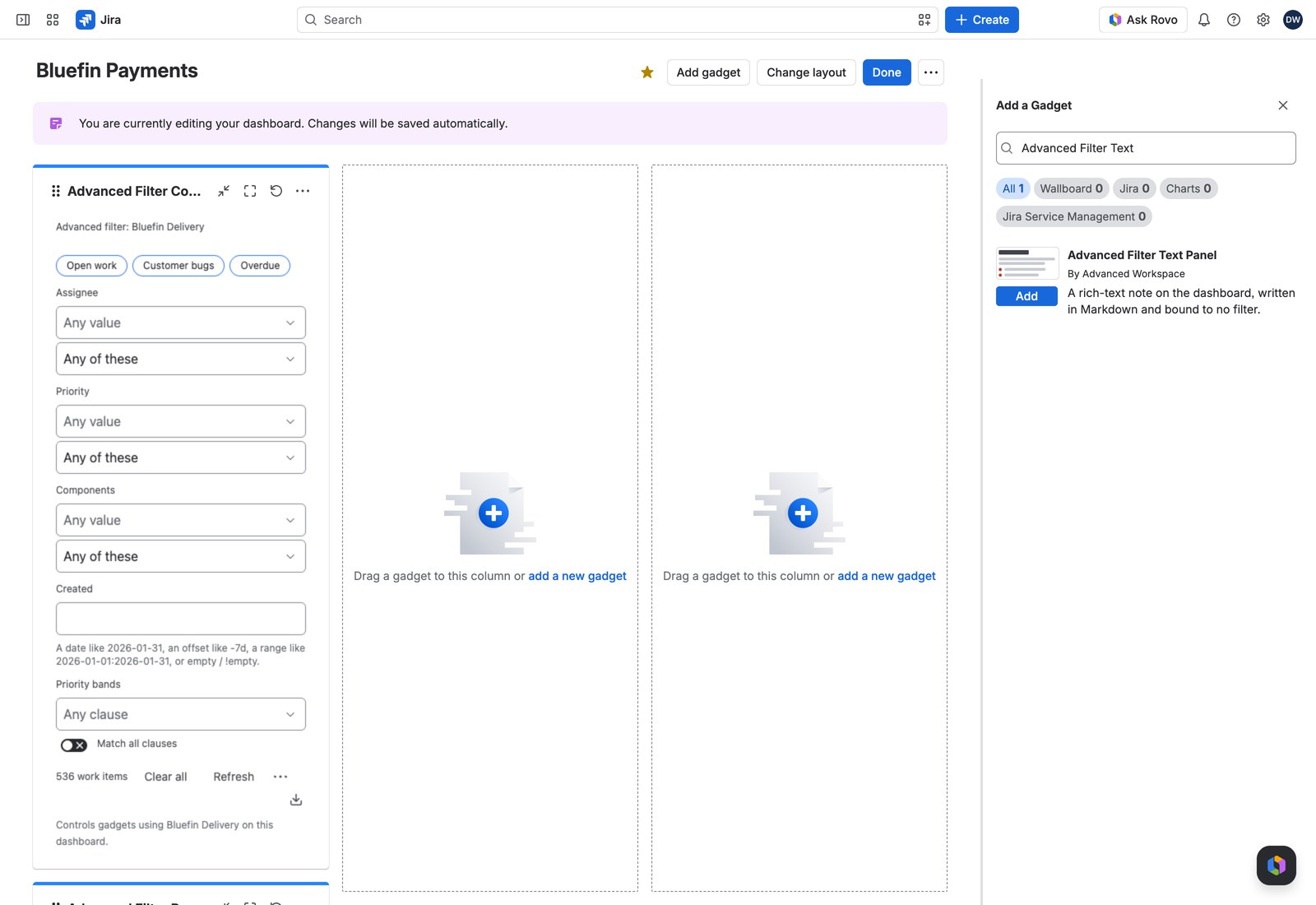
- Open the dashboard, select Edit, then Add gadget, and search for Advanced Filter Text Panel.
- Write your text.
- Select Save. There’s no filter to choose: dashboard access is all anyone needs.
What you can write #
A live preview sits under the text box, rendered by exactly what the dashboard will use, so what you see is what your viewers get.
| Formatting | How |
|---|---|
| Headings | # Heading, ## Subheading |
| Emphasis | **bold**, *italic*, ~~struck through~~, `code` |
| Lists | Bullets and numbers, with one nested level |
| Links | [label](https://bluefin.atlassian.net) (http, https and mailto) |
| Tables | Pipe tables with a header row |
| Code blocks | Three backticks on their own line, opened and closed |
| Callouts | > [!NOTE], [!WARNING], [!TIP], [!IMPORTANT], [!DANGER] on the first quoted line |
| Expandable sections | ::: Summary on its own line, the body, then ::: on its own line |
| Images | , from your Jira site or Atlassian media |
The Formatting help under the editor prints the section syntax as three lines you can copy:
::: Release notes
Hidden until a reader opens the section.
:::
A section stays closed until a reader opens it, and it opens for that reader alone; sections nest three deep. Up to 8,000 characters, with a live counter. (Long non-Latin text may hit a 16 KB storage limit first.)
> [!WARNING] on the first line of a quote turns a paragraph into a proper highlighted box, ideal for “this dashboard excludes sub-tasks” or “numbers refresh hourly”.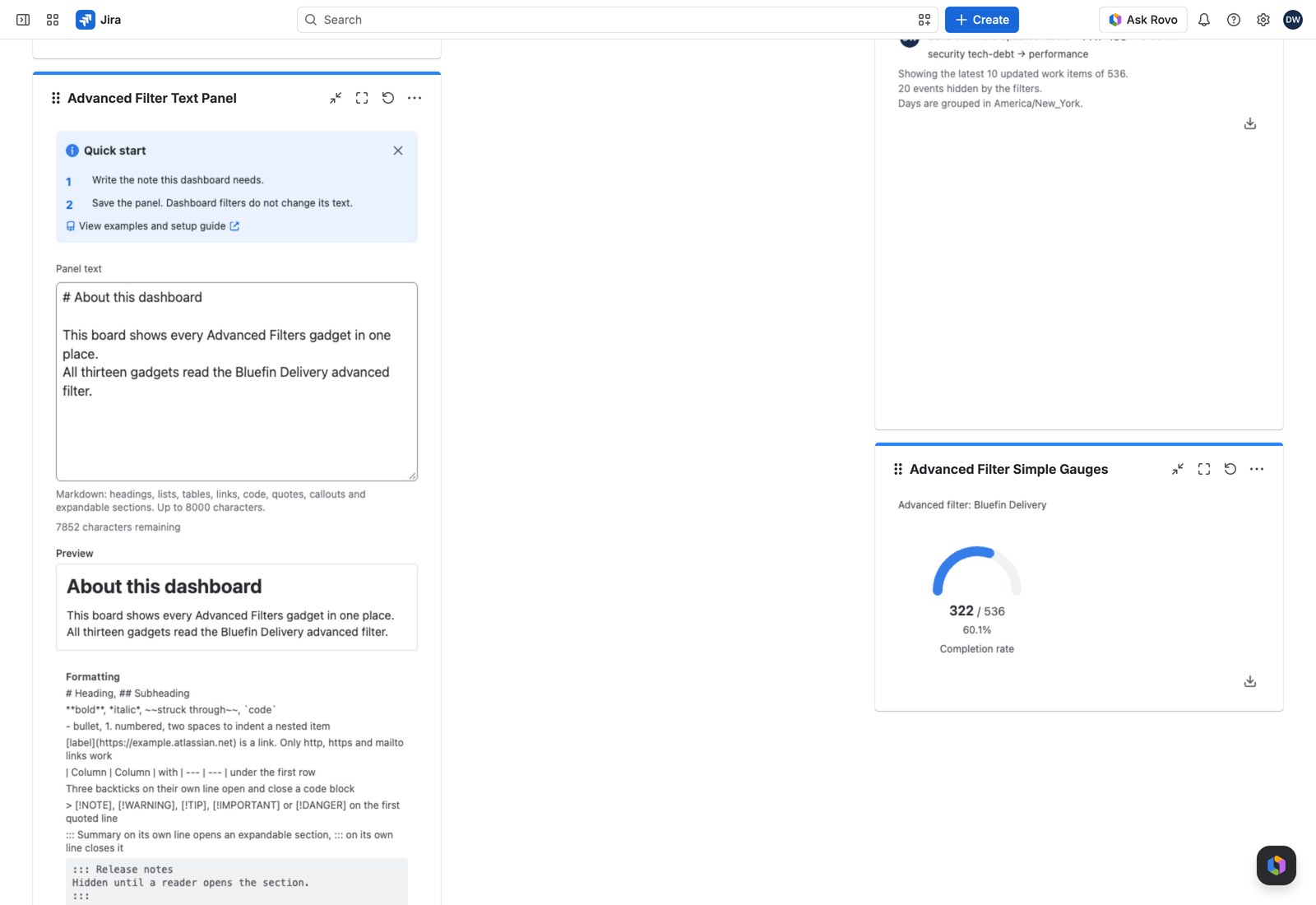
A few things it won’t do #
- HTML isn’t interpreted: it appears as the text you typed.
- A link on any protocol other than
http,httpsormailtorenders as plain text. - An image from somewhere other than your Jira site or Atlassian’s media shows its alt text instead.
- An opener with no closing
:::stays exactly as you typed it, so nothing of your note disappears.
No Controller, no export #
An Advanced Filter Controller never reaches this gadget, and there’s no Export menu, because there’s no report behind it.
One convenient consequence: a Text Panel never appears in a “still used by” warning when you’re editing or deleting part of an advanced filter, because it references nothing.
If it won’t save #
- “Write the text this panel shows”: the box is empty.
- “This text is too large for Jira to store”: shorten it and try again.